
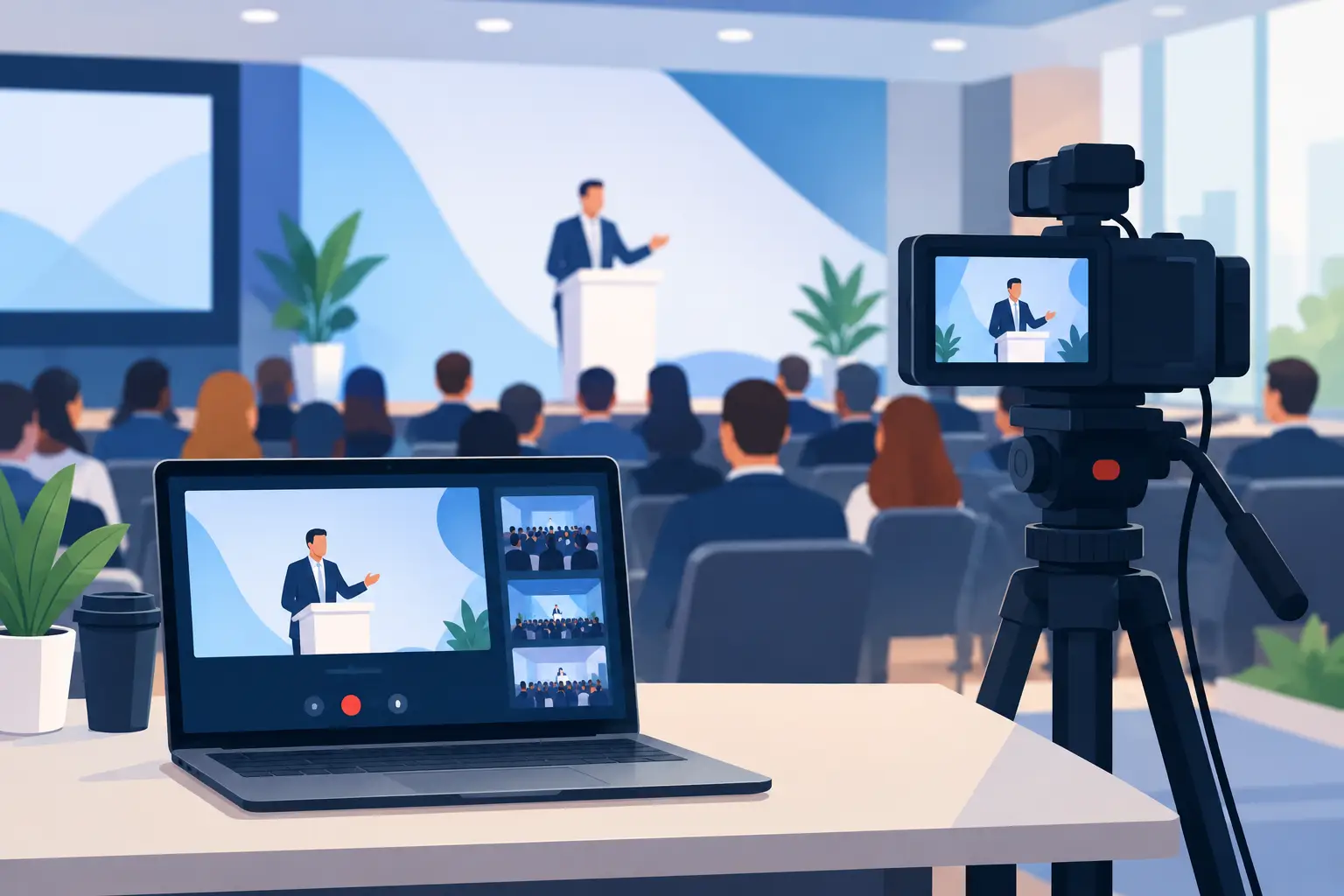
How to Livestream Business Events Without Missed Moments
A business event only happens once. The keynote, product announcement, award presentation, or executive panel may last an hour, but the opportunity to connect with remote employees, customers, and partners can have a much longer impact. Knowing how to livestream business events means treating the broadcast as part of the event itself, not as an afterthought added five minutes before guests arrive.
For Connecticut organizations, a thoughtful livestream can make a local gathering feel accessible across offices, time zones, and communities. It can also preserve valuable content for people who could not attend live. The difference between a stream people trust and one they abandon usually comes down to planning, audio, internet reliability, and a production team that knows where the meaningful moments will happen.
Start With the Purpose of the Broadcast
Before choosing cameras or streaming platforms, decide what the livestream needs to accomplish. A company town hall has different needs than a fundraising gala. A training session may require screen sharing and clear slide visibility, while a customer event may benefit from audience reactions, branded visuals, and interviews that bring energy to the program.
Ask who will be watching, where they will watch from, and what they need to leave with. If the audience is employees, they may need reliable access to leadership remarks and presentations. If they are prospective clients, the stream should reflect the confidence and care behind your brand. If the program includes sponsors, awards, or demonstrations, plan shots that give those moments the attention they deserve.
This conversation also determines whether the event should be public, private, or available only to registered attendees. Privacy matters for internal meetings, financial discussions, and training content. A public stream can extend reach, but it requires extra attention to permissions, branding, and moderation.
How to Livestream Business Events With a Real Production Plan
A successful broadcast begins well before the first guest checks in. Visit the venue when possible, or review detailed photos and floor plans with the event coordinator. Look for camera positions, power access, lighting conditions, ceiling height, room acoustics, and a safe place for production equipment that will not interrupt the guest experience.
The agenda deserves the same attention. A production team should know when speakers take the stage, when videos play, when a panel opens for questions, and whether the audience will participate. These details allow camera operators and coordinators to anticipate the next moment rather than chase it after it has already happened.
It also helps to identify one person on the client side who can make quick decisions during the event. That person can confirm schedule changes, introduce unexpected speakers, and clarify priorities if the program runs long. Clear communication keeps a small change from becoming a visible disruption for remote viewers.
Build a Run of Show That Includes the Stream
Your event schedule should include more than arrival times and speaker order. Add a technical call time, camera setup window, audio check, presentation test, and a private stream test before the audience joins. Allow time to confirm lower-third names, logos, holding slides, and any pre-recorded videos.
A simple run of show should also account for transition moments. What will viewers see while a speaker walks to the podium? Will there be a branded slide during breaks? Who will monitor questions from remote attendees? These decisions make the broadcast feel intentional and polished.
Prioritize Audio Before Video
Viewers will tolerate a camera angle that is not perfect. They are far less forgiving of muffled speech, echoing room sound, or a presenter who cannot be heard over applause. For most business events, clean audio is the foundation of a professional livestream.
Whenever possible, take a direct feed from the venue sound board. Then pair it with dedicated microphones for presenters, panels, or hosts. Room microphones can capture audience questions and atmosphere, but they should support the main audio rather than replace it. A skilled audio technician will monitor levels throughout the program because a speaker’s volume, a video playback, and a live Q&A can all change quickly.
Do not assume the venue’s sound system is ready for a broadcast simply because it sounds fine in the room. Live attendees can understand speech with some echo or background noise. Online audiences hear every issue through headphones, laptop speakers, and mobile devices.
Choose Camera Coverage That Serves the Viewer
One camera can work for a short, simple announcement. Most business events benefit from at least two angles: a dependable wide shot that covers the stage and a closer camera for speakers, demonstrations, and natural reactions. For panels, an additional angle may be needed to avoid constant reframing and to make each participant easy to see.
Camera placement should respect both the in-person audience and the people watching remotely. Avoid blocking aisles, tables, or sightlines. At the same time, do not place cameras so far away that every speaker looks small and detached. Good coverage gives remote viewers a clear view of the message and enough context to feel present in the room.
Lighting deserves consideration, especially in ballrooms, conference rooms, and venues with dark stages. A bright projector screen behind a speaker can cause the person’s face to appear underexposed. Window light may change throughout a daytime program. Professional cameras, thoughtful placement, and supplemental lighting can protect image quality without making the room feel like a television set.
Protect the Connection With Redundancy
A beautiful picture and clear sound mean little if the stream repeatedly drops. Internet access should be tested at the actual location where the encoder or streaming equipment will operate, not just from a guest Wi-Fi network in the lobby. A dedicated wired connection is often the best option, but every venue is different.
Whenever the event matters, have a backup plan. That may include a secondary internet connection, bonded cellular service, backup power, extra cables, and redundant recording. Recording the program locally is especially valuable. If a platform has an unexpected issue, you still have a high-quality version that can be shared afterward.
A reliable stream is not about promising that nothing can go wrong. It is about planning so a technical problem has a solution ready before it affects your audience.
Make Remote Guests Feel Included
The strongest business livestreams are designed for viewers who are not physically in the room. Share access instructions early, including the start time, platform details, and whether attendees need to register. On the day of the event, begin with a branded holding screen and clear audio so viewers know they are in the right place.
If the program includes questions, decide how remote participants will submit them. A moderator can collect questions and share the strongest ones during a panel or Q&A. For training and internal meetings, chat moderation can also keep the discussion useful and respectful.
Consider the pace of the experience. Long breaks may feel natural for guests networking in person, but they can feel endless online. During breaks, use a slide with return timing, event information, or a short highlight reel. Small choices like this show remote attendees that their time matters.
Prepare Speakers for the Camera
Most executives and presenters do not need media coaching, but they do need a few practical reminders. Ask speakers to wear a microphone correctly, avoid reading every word from a slide, and pause briefly after walking to the stage before speaking. If they are presenting to both a room and a camera, encourage them to address the live audience naturally while occasionally acknowledging remote attendees.
Presentation slides should use large type and high contrast. What is readable from the back of a conference room may still be too small on a phone screen. If detailed charts are essential, consider feeding slides directly into the livestream rather than relying only on a camera pointed at a projection screen.
Work With a Team That Understands the Stakes
Business livestreaming is part technical production, part event coordination, and part visual storytelling. The right team listens to your goals, asks about the moments that matter most, and communicates clearly with venue staff, presenters, and planners. At Victor’s Photos & Video, that personal approach is paired with professional video, sound, and event-production experience so clients can stay focused on their guests and message.
A quick planning checklist can prevent many common problems:
- Confirm the event goals, audience access, and privacy requirements.
- Test internet, audio feeds, presentation playback, and camera positions in advance.
- Create a run of show that includes technical cues and break coverage.
- Arrange backup internet, power, recording, and essential equipment.
When the stream is over, save the recording, review the strongest moments, and consider how the footage can continue serving your organization. A keynote can become a recap clip, a training resource, or a sales conversation starter. With the right preparation, your livestream does more than show an event – it carries the care, expertise, and energy of the room to everyone who needed to be there.
